
Electronic Team uses cookies to personalize your experience on our website. By continuing to use this site, you agree to our cookie policy. Click here to learn more.
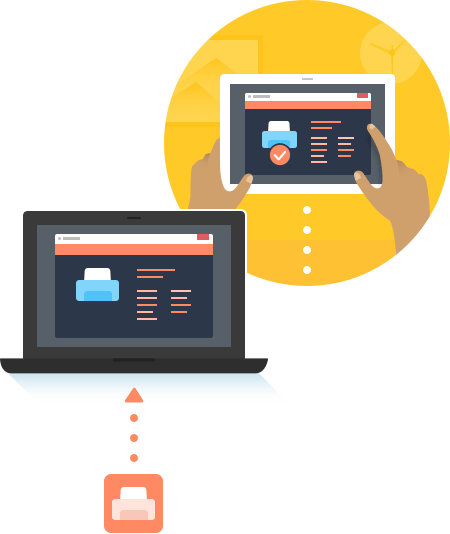
Free USB over Remote Desktop software makes it simple to connect local USB devices to a remote desktop by offering advanced port virtualization features. It allows you to redirect USB peripherals into an RDP session, enabling remote access to any device you need. The tool is user-friendly and fully compatible with both Windows and Linux operating systems.
 Download available for: Windows, MacOS, Linux, Android

Here are just some of the outstanding features you get with USB Redirector for RDP:
The Windows OS offers users many features which is why it is so popular in the computing community. One capability that Windows lacks is the ability to control the use of USB devices connected to a computer running the operating system. By default, all attached USB devices are available to all users. This may not be desired when a computer is shared or used to host a number of Remote Desktop sessions. USB Network Gate lets you limit the use of connected peripherals.
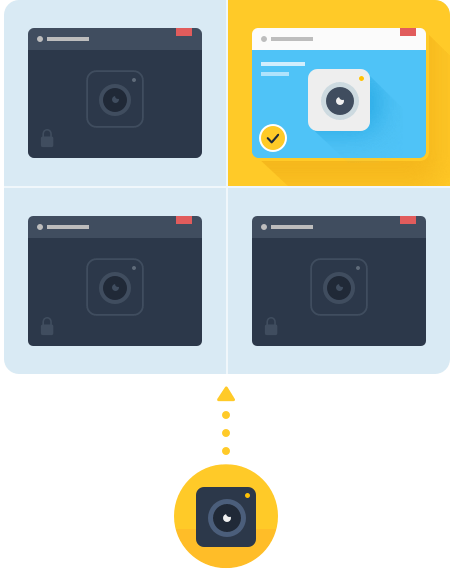
You can limit the availability of connected USB devices to a single RDP session. The peripheral is invisible to other users so they cannot even attempt to access it. This feature ensures that the device is always available in the designated session.
Using this option, you can isolate an attached USB device from other Windows users. This can come in handy when you want a device available to a specific account when the user is switching between more than one account as they perform their tasks.
Note: USB device isolation has been verified with all kinds of USB devices. Users running Windows 8 or later or Windows Server can isolate peripherals such as 3D mice, scanners, hard drives, printers, and cameras as well as just about any kind of USB device.
Learn more about USB isolationFree USB to Remote Desktop is a versatile cross-platform solution that enables USB device sharing over IP on Windows, macOS, and Linux computers. This means you can easily connect across platforms - from Windows to macOS, macOS to Linux, or any other combination.
There are many solutions that can redirect USB over the network effortlessly and efficiently. Below you will find the comparison table that will show you the differences in capabilities of the most popular USB sharing software out there. You can have a look at the features offered by the top solutions and decide what will be best for you.
In order to enable the remote desktop USB redirection on your computer, just take the following steps:


Architectures: x86, x64, ARM64 Run on macOS 10.15 or newer CentOS 7-8, Ubuntu 14.04-21.04 Android 5.0 and above